> For the complete documentation index, see [llms.txt](https://kunalwalavalkar.gitbook.io/write-ups/llms.txt). Markdown versions of documentation pages are available by appending `.md` to page URLs; this page is available as [Markdown](https://kunalwalavalkar.gitbook.io/write-ups/root-me/web-client/javascript-authentication-2.md).
# Javascript - Authentication 2
When we click on the login button, a dialog box pops up prompting us to enter the username and password.
Let's check the source code.
* We can see that the `login.js` file is where the script is being imported from. We can follow the link to check it out.
So this is where the input authentication takes place.
```javascript
function connexion(){
var username = prompt("Username :", "");
var password = prompt("Password :", "");
var TheLists = ["GOD:HIDDEN"];
for (i = 0; i < TheLists.length; i++)
{
if (TheLists[i].indexOf(username) == 0)
{
var TheSplit = TheLists[i].split(":");
var TheUsername = TheSplit[0];
var ThePassword = TheSplit[1];
if (username == TheUsername && password == ThePassword)
{
alert("Vous pouvez utiliser ce mot de passe pour valider ce challenge (en majuscules) / You can use this password to validate this challenge (uppercase)");
}
}
else
{
alert("Nope, you're a naughty hacker.")
}
}
}
```
There is an array `TheLists` containing one element: `GOD:HIDDEN`.
It checks if the username entered by the user matches the username from the current element in the `TheLists` array (using `TheLists[i].indexOf(username) == 0`).
If there is a match, it splits the current element into username and password using `split(":")`, and then it compares the entered username and password with the stored values. If both match, it displays an alert with a success message.
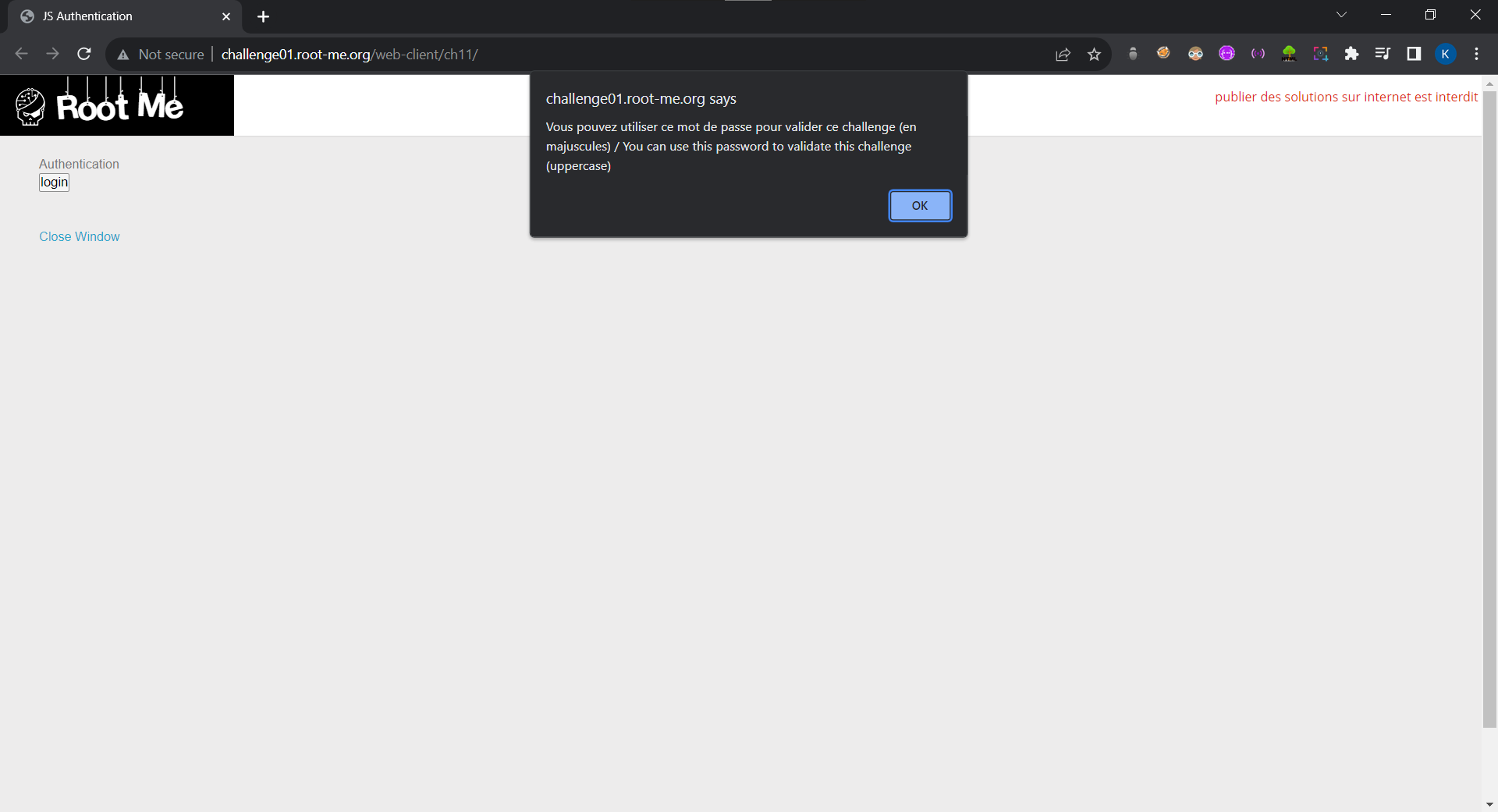
Let's enter the credentials.
## Password
```
HIDDEN
```